Supplements can help you a lot.

But supplementing well isn't easy.

Magnesia

The app for supplementing done right.

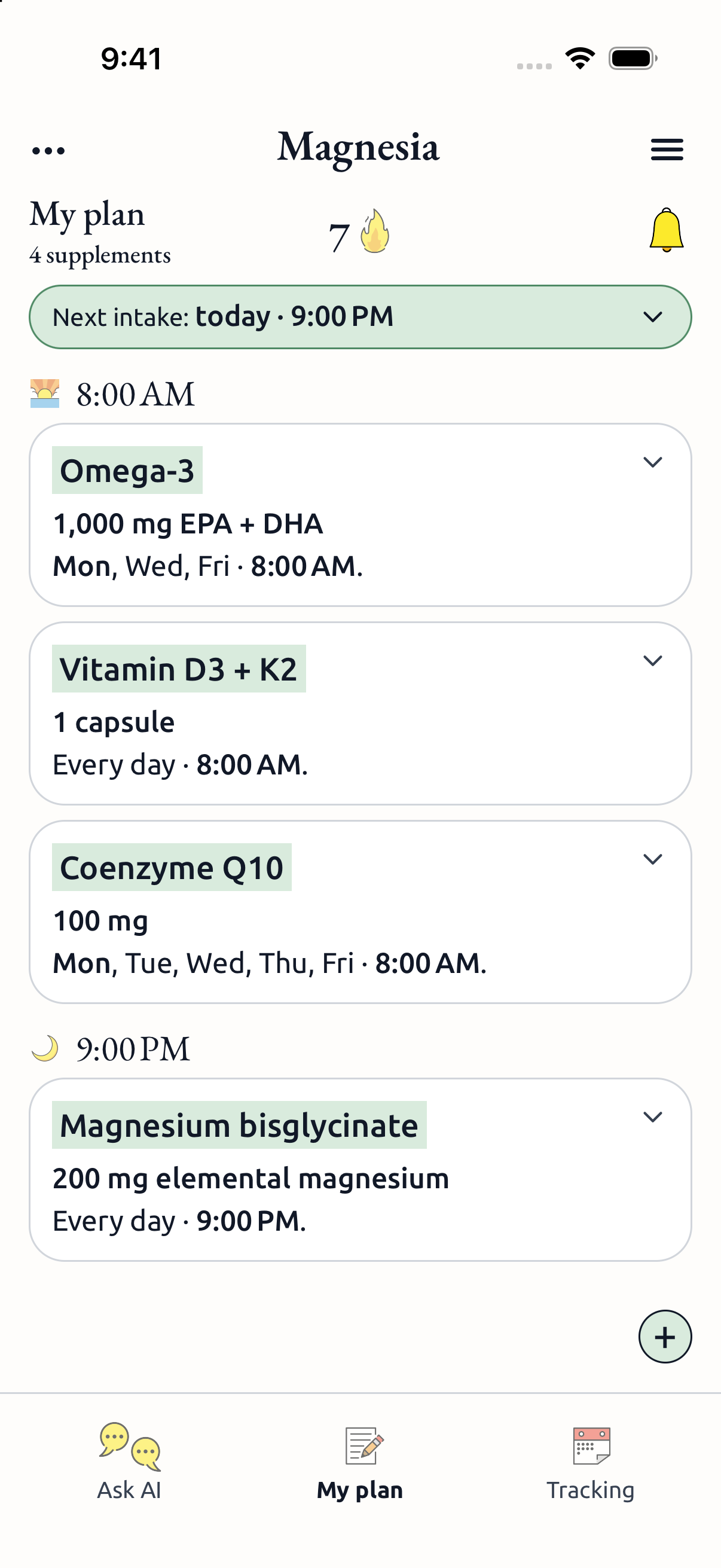
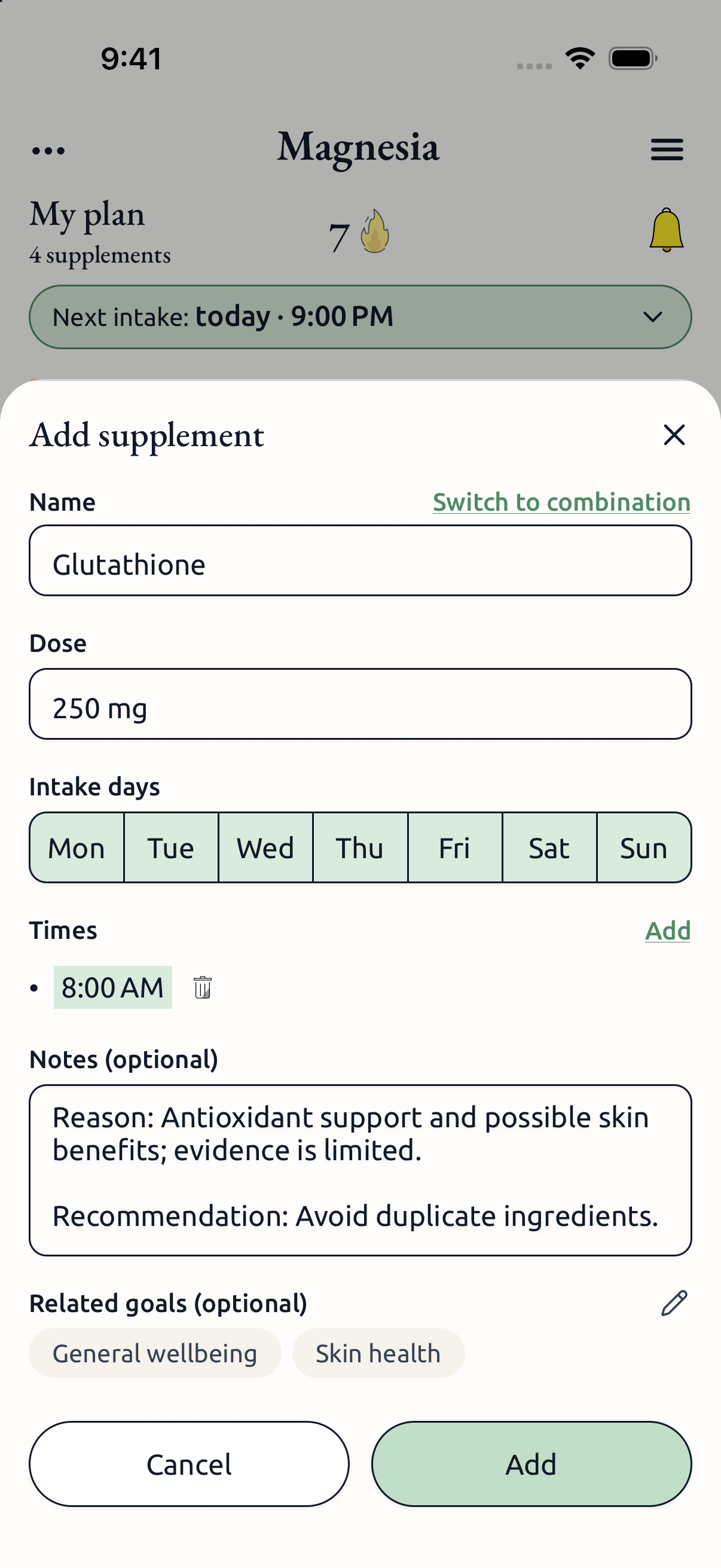
Build your plan — add your supplements or
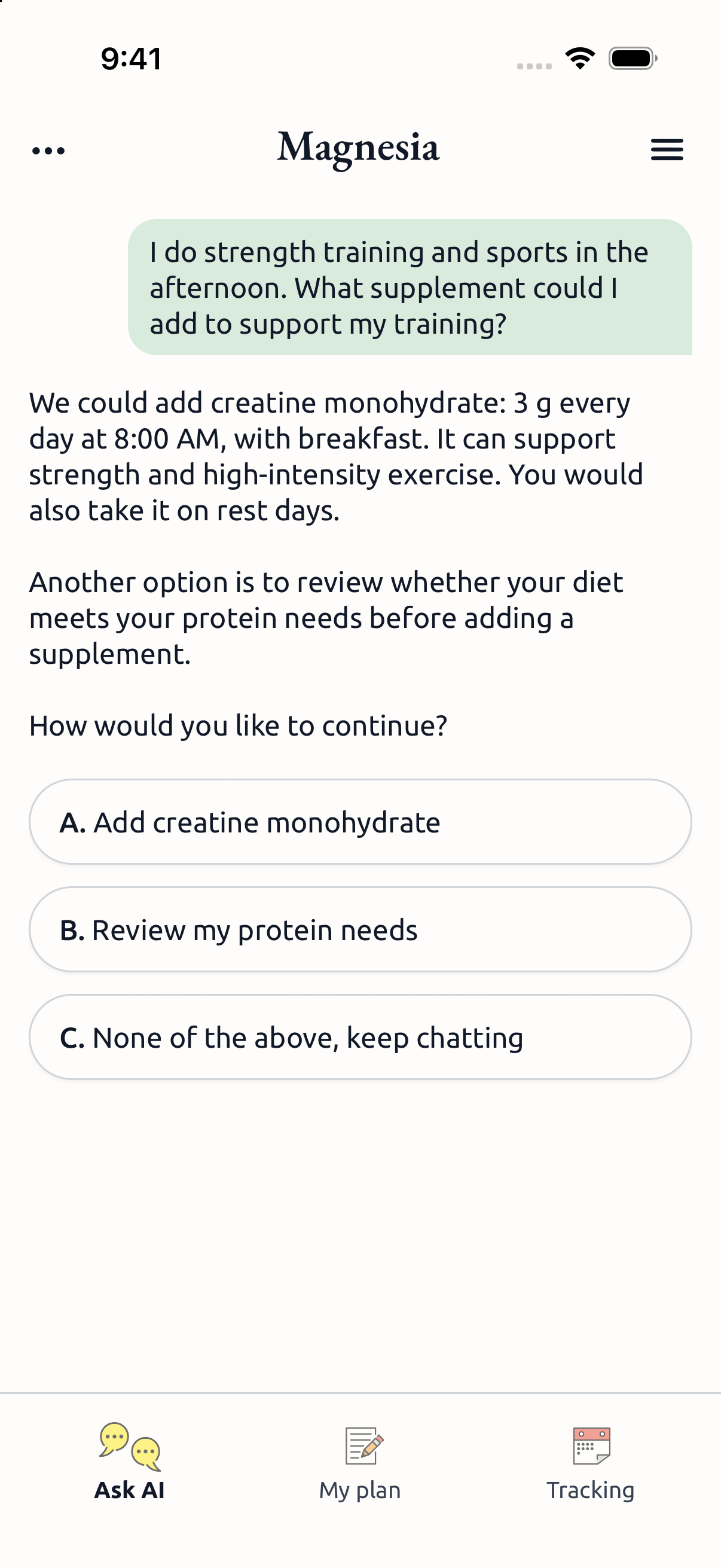
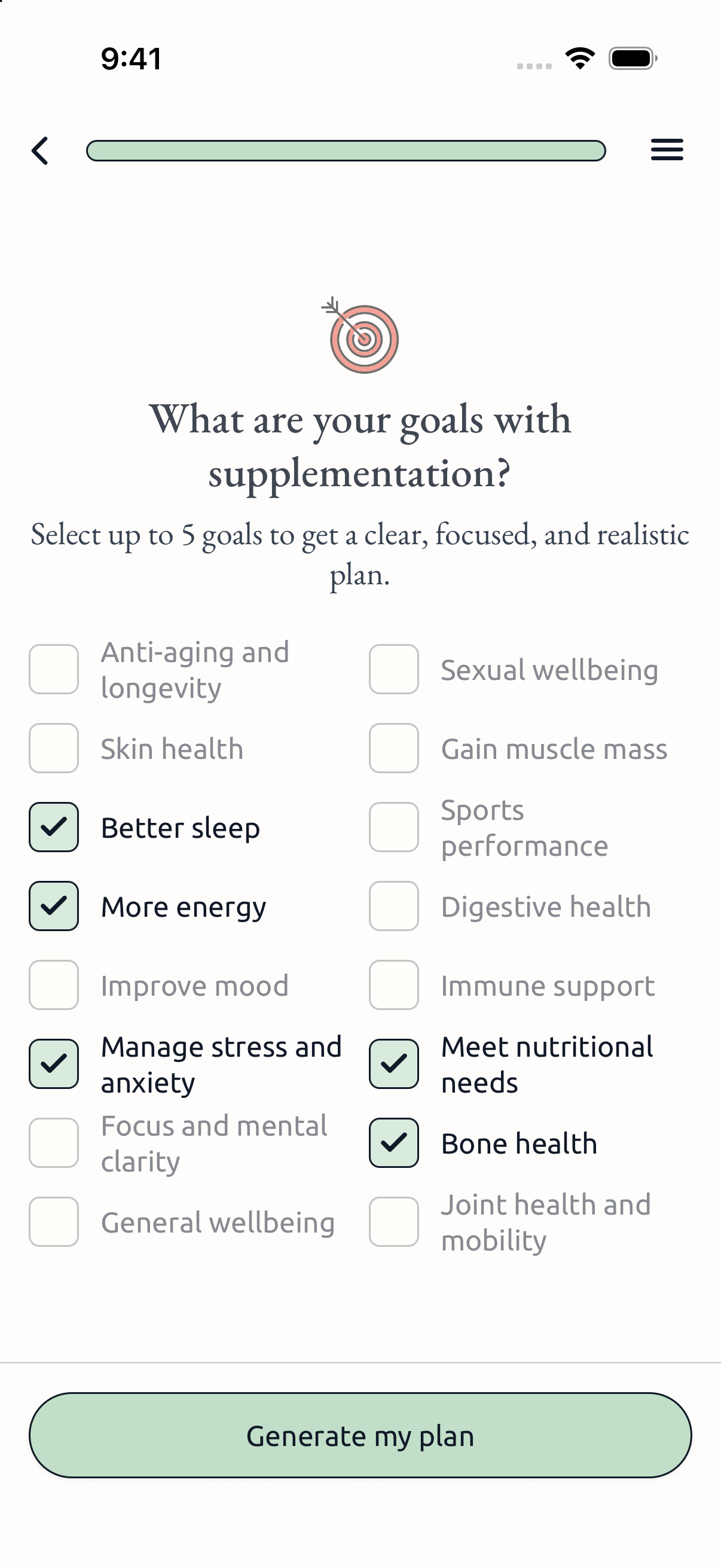
let AI suggest a plan tailored to you.
Never miss a dose — get reminders for
what to take and how much.
Ask AI — get specialized assistance
with your plan if you want.

Magnesia is in private beta.
Join the waitlist.

Thanks for joining our private beta.

Welcome to the Magnesia beta

Follow the steps below on the phone you will use to test Magnesia. You need an individual invitation from our team; this page alone does not give you beta access.

On iPhone

  1. Install TestFlight

    Download TestFlight, Apple’s free app for installing beta versions. If you already have it, continue to the next step.

  2. Open your invitation email

    Find the TestFlight invitation and tap “View in TestFlight”. Check your spam folder if you cannot find it.

  3. Install Magnesia

    In TestFlight, tap “Accept” and then “Install”. After installation, open Magnesia from its icon and sign in using your usual method.

Download TestFlight

On Android

  1. Open your beta invitation

    Use the Google Play beta link sent by our team. Make sure Google Play is signed in to the Google account you shared with us.

  2. Join the test

    Accept the invitation to participate. Only Google accounts added to our tester list can join.

  3. Install Magnesia

    Follow the link to Google Play and install Magnesia. Open the app from its icon and sign in using your usual method.

The Android beta link will be provided with your invitation.

What is Magnesia?

Magnesia is a mobile app for people who want to organize a supplement routine: keep a plan, set intake times and record what they have taken. It brings that daily routine together in one place.

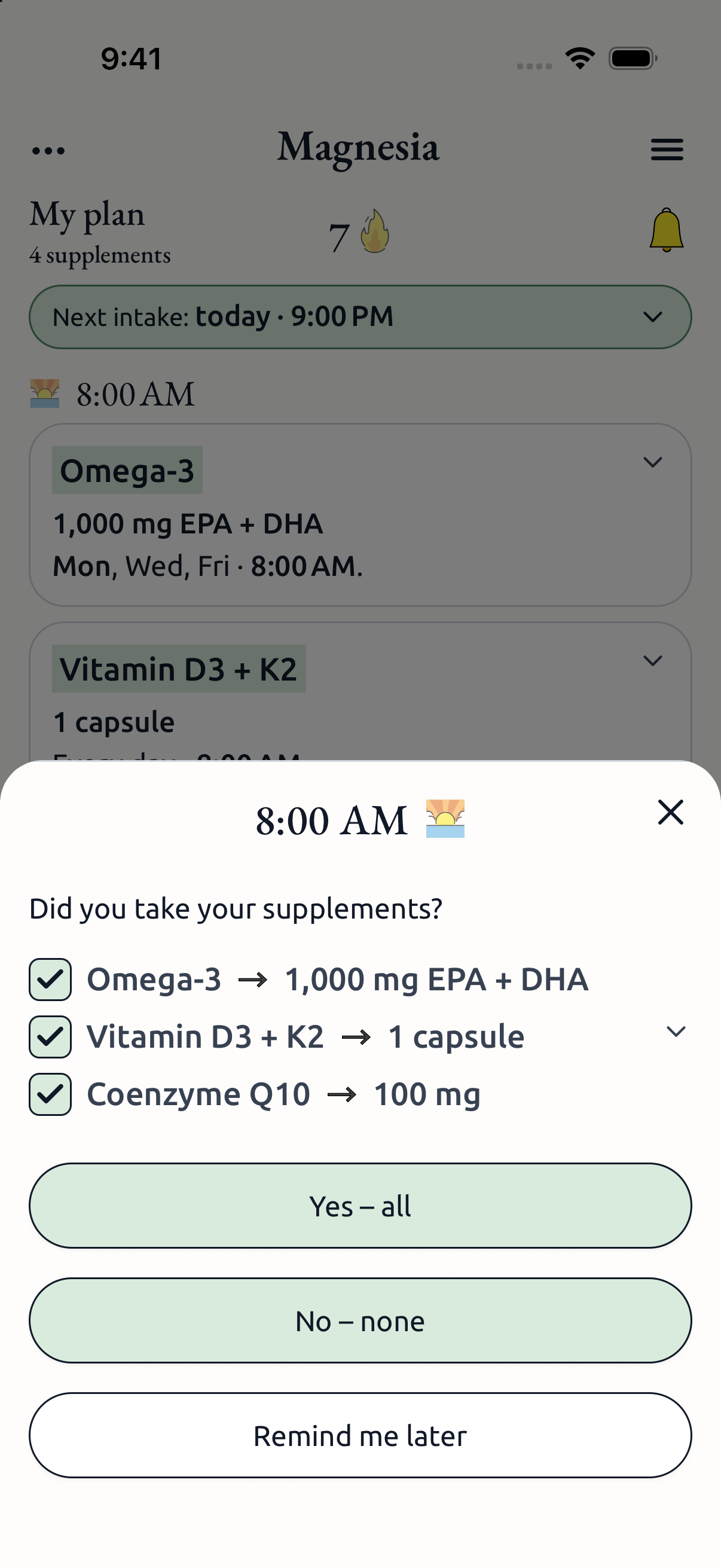
Create your supplement plan manually or use optional AI assistance. Set amounts and schedules, keep a record of your intakes and review suggested changes before applying them.

How the routine works

  1. Build a supplement plan

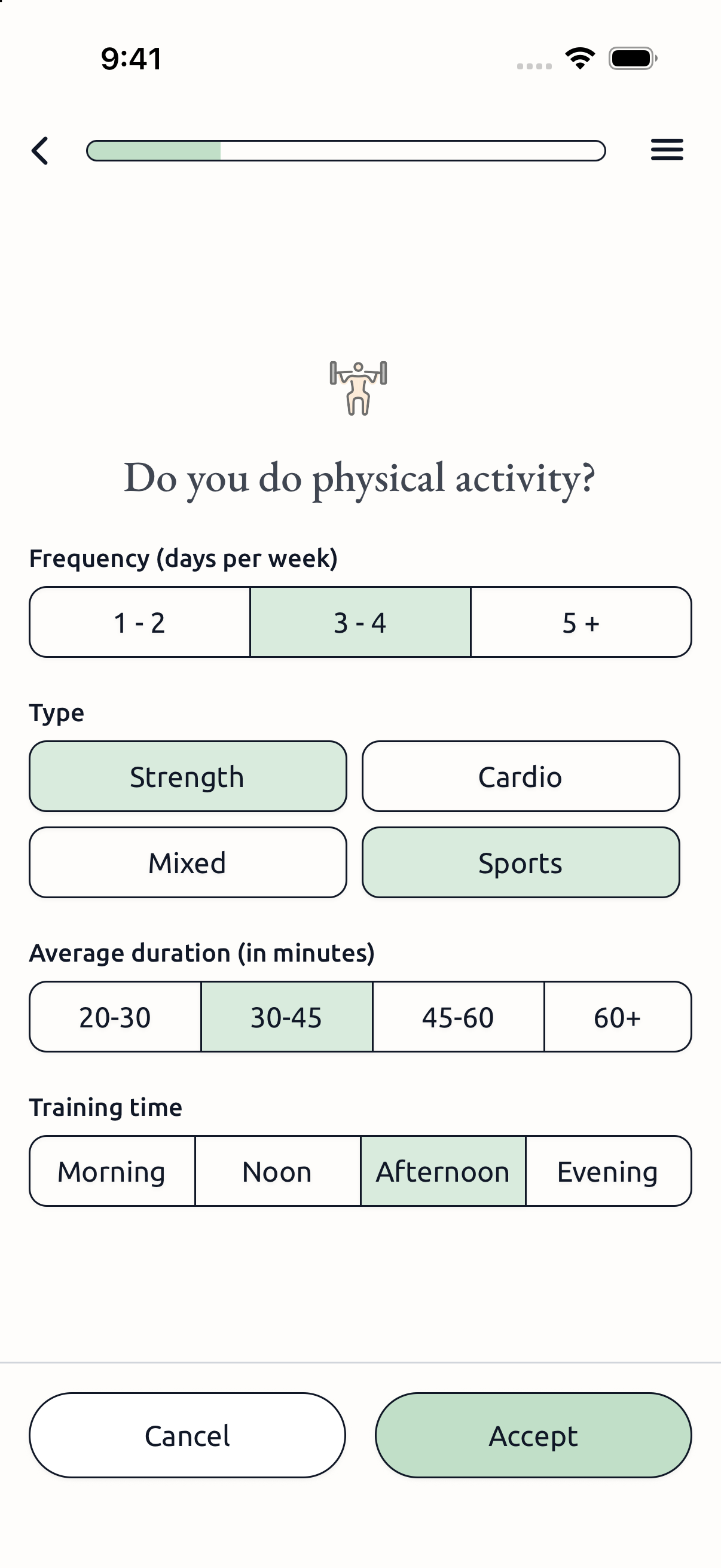
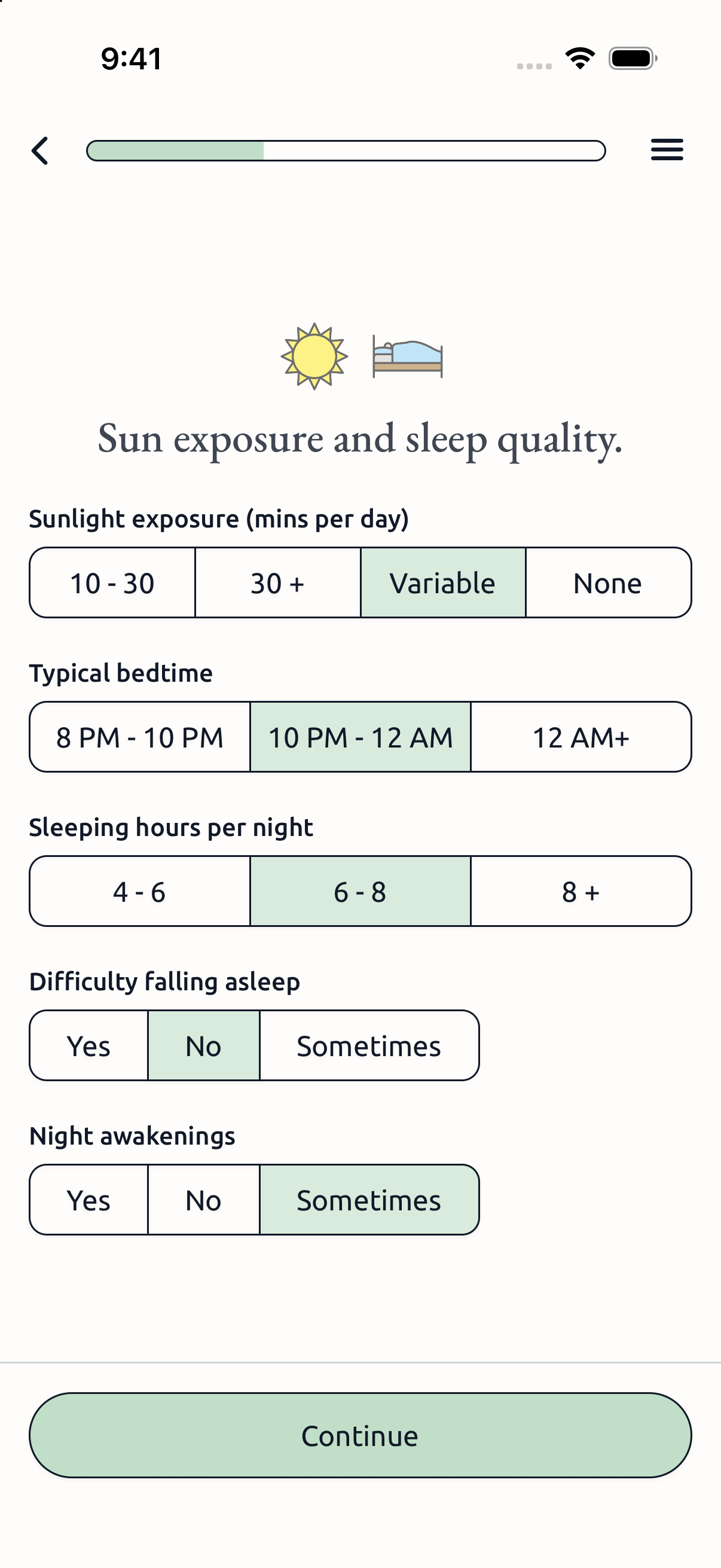
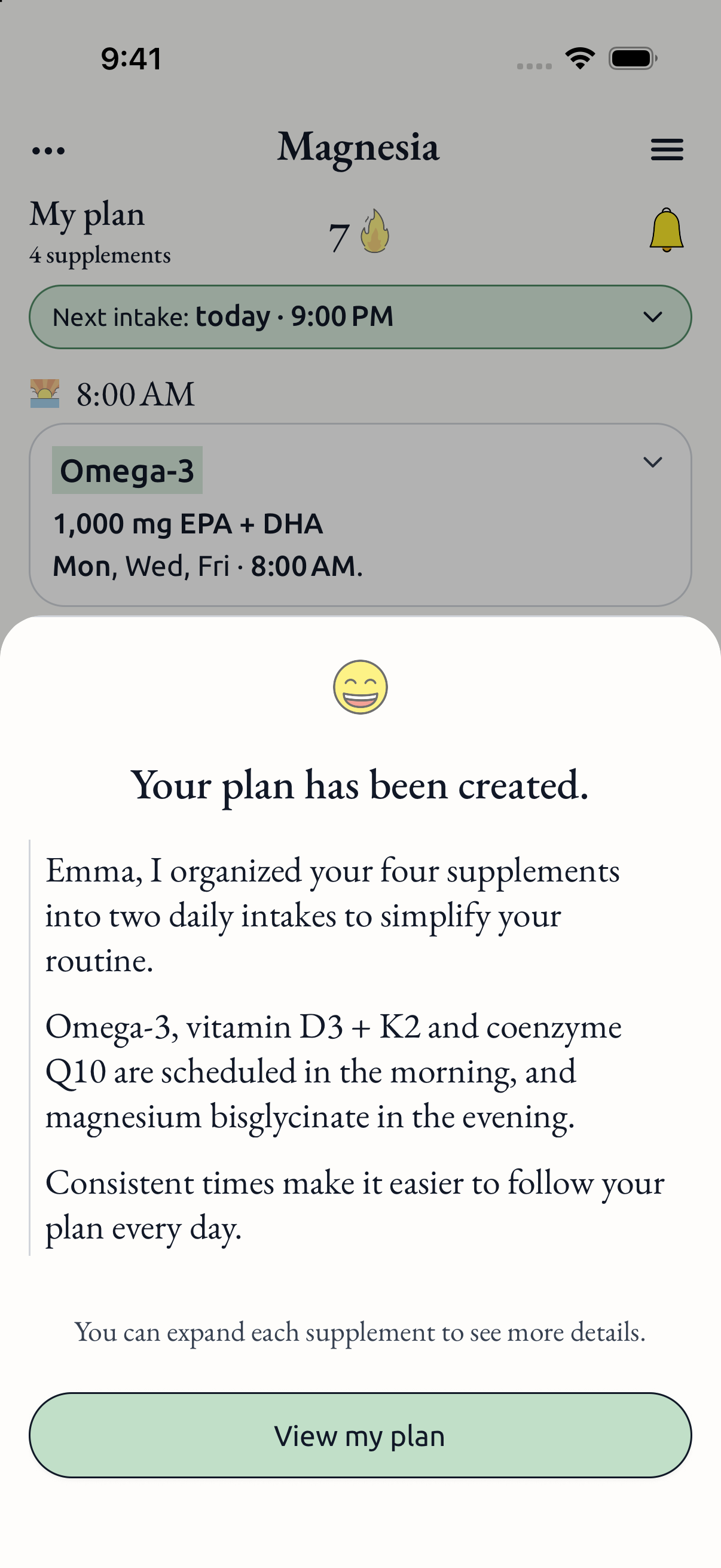
    Add the supplements you use and set their amounts and schedules. Or provide information in the guided setup to receive an AI-generated plan to review.

  2. Follow your day

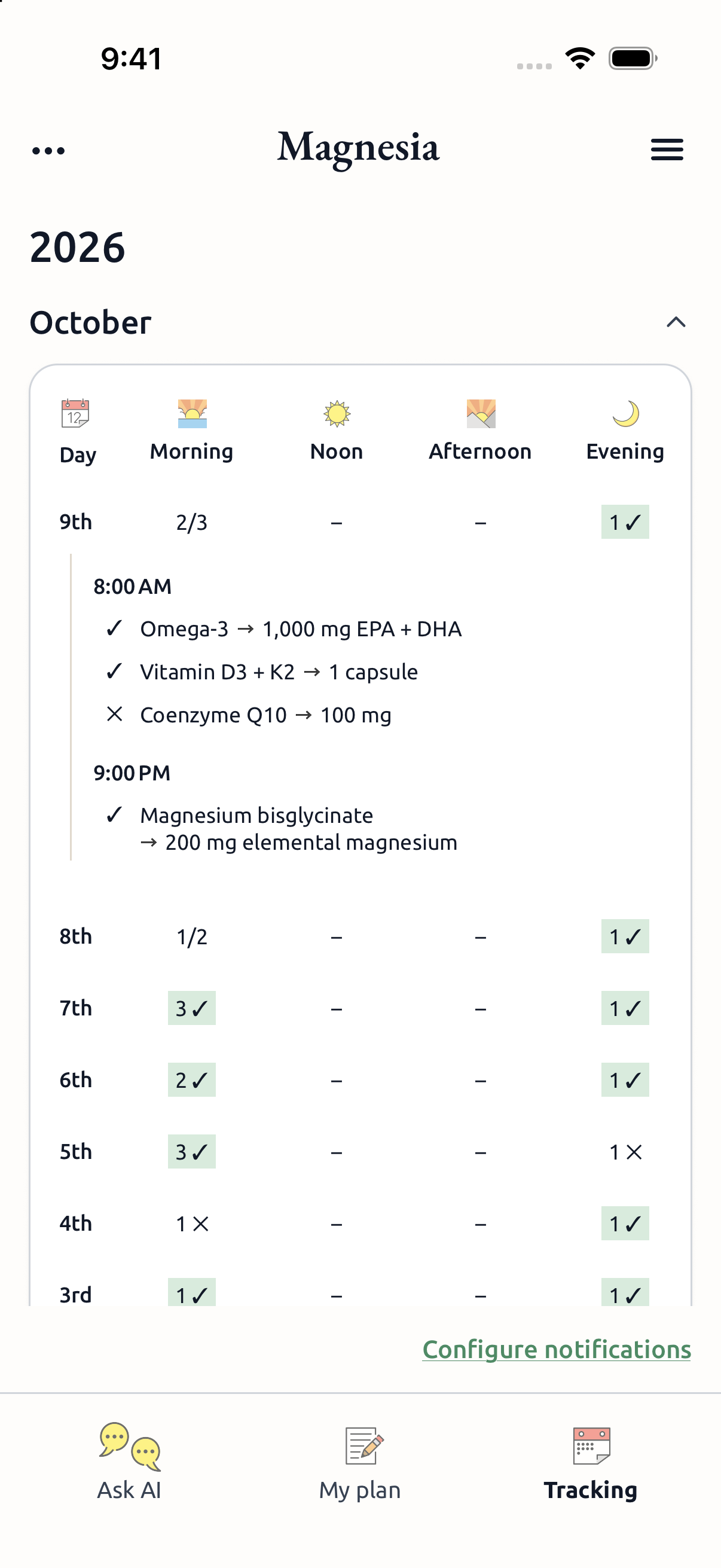
    See your scheduled intakes, set reminders and record doses as taken. Review your intake history to keep track of your routine.

  3. Review and adjust

    Edit your plan as your routine changes. If you use Ask AI, you can ask questions about the plan and review proposed changes before applying them.

Frequently asked questions

How the app works, what is available and what to keep in mind.

Do I have to use AI to build a plan?

No. The app includes a manual flow for adding supplements and editing amounts and schedules. AI-assisted setup and Ask AI are optional. Adding or reactivating supplements and using AI depend on your account’s access. AI features require a separate permission for remote processing; accepting legal documents does not grant it. You can decline or withdraw this permission in Settings → AI processing permission. Without it, new AI requests are blocked. Manual plan editing, reminders and intake tracking remain available subject to your account’s access. Withdrawal stops new requests; it cannot recall information already transmitted and does not delete your account or local data.

Which platforms and languages does Magnesia support?

Magnesia is available for iOS and Android in English, Spanish and Brazilian Portuguese. Use the mobile app to manage your supplement plan, reminders and intake history.

Where can I download Magnesia?

Magnesia is currently in private beta for invited testers on iOS and Android. Join the waitlist by emailing [email protected]. We will contact you when a place becomes available; joining does not provide immediate beta access.

How do I access Magnesia Pro?

Open the app to review your account’s access, Magnesia Pro options and any available trial. The app shows the current price, terms and included features before you confirm a purchase.

Does AI work without an internet connection?

No. AI plan generation and Ask AI need an internet connection. Account and access verification also use online services. Do not assume every app feature will work offline.

Do reminders guarantee that I will take every dose?

No. Reminders help you follow your schedule, but they depend on device permissions and settings. You still need to record what you take; the app does not verify that you took a supplement.

Does Magnesia provide medical advice?

Magnesia is an educational and organizational wellness tool. AI can make mistakes, and a suggested plan is not a diagnosis, treatment or medical advice. Consult a qualified healthcare professional about whether supplements are appropriate for you and before changing your routine.

Read the health disclaimer

Where is my data processed?

Your profile, plan and intake records are stored on your device. Online services handle account access, subscriptions and technical operations. When you use AI, the relevant information is sent for processing. Support messages are also processed online. See the Privacy Policy and deletion instructions for details.

Read the Privacy Policy